White Pixel Text Effect: A Practical Guide to Scalable Vector Typography
When you need text that stands out with a crisp, digital aesthetic, the White Pixel Text Effect offers a distinctive approach. Unlike many typography treatments that rely on raster images or complex layer styles, this effect is built entirely with vectors, giving you control that static designs cannot match. Whether you are designing a logo, a poster, or a social media asset, understanding what this effect offers and how it compares to other methods helps you choose the right tool for your project.
What Makes the White Pixel Text Effect Distinct?
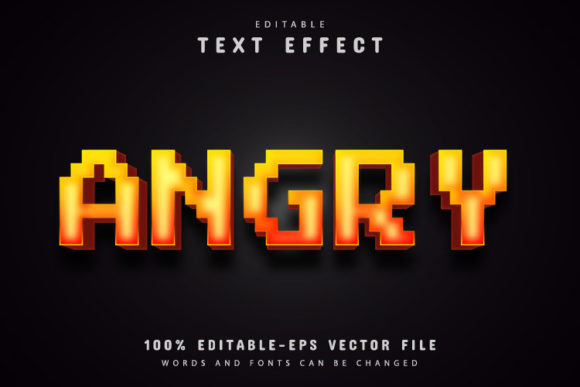
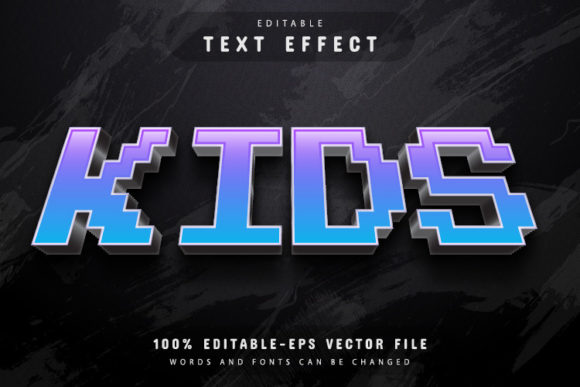
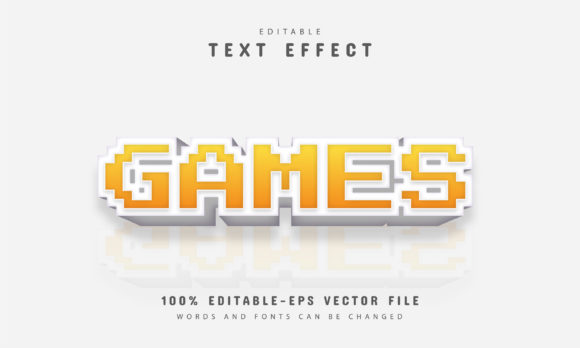
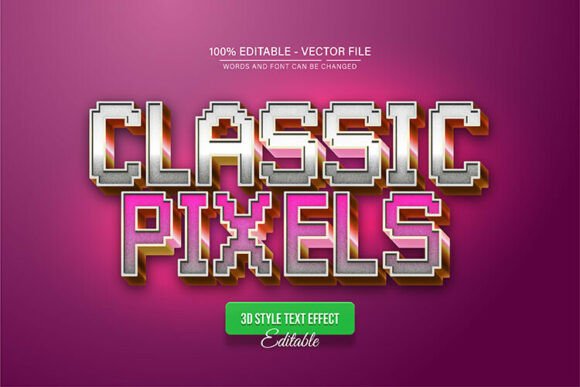
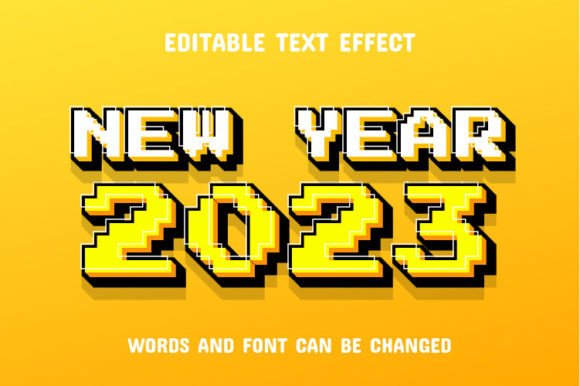
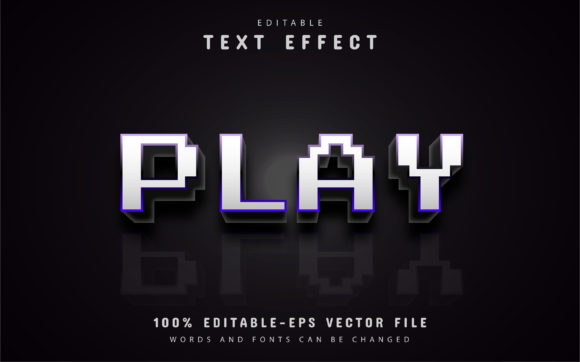
The White Pixel Text Effect is a fully editable vector design that simulates the appearance of pixelated or dot-matrix lettering in a clean white finish. Because it is vector-based, you can enlarge or reduce the size in Adobe Illustrator without any loss of quality. This scalability is a major advantage over pixel-based text effects, which become blurry or jagged when resized beyond their original dimensions.
Another defining feature is that the text itself remains fully editable. You can change the wording, adjust the spacing, or apply unlimited color variations directly in Adobe Illustrator. The package typically includes EPS and JPG formats, plus information about free fonts that complement the design. This combination of editability and quality makes it a versatile resource for designers who need to adapt their work quickly.
Vector vs. Raster: A Foundational Difference
To appreciate the White Pixel Text Effect, it helps to understand the difference between vector and raster graphics. Raster images, such as standard JPG files, are made of fixed pixels. Scaling them up often reveals visible pixelation and soft edges. Vector graphics, on the other hand, use mathematical paths. They remain sharp at any size. The White Pixel Text Effect lives entirely in the vector world, which means you can take a small headline and blow it up to a billboard without degradation. This is especially valuable when you are designing for multiple formats and need one source file that works everywhere.
Comparing the White Pixel Text Effect with Other Text Styles
There are many ways to style text digitally. Some designers rely on bitmap pixel fonts, which look similar but are limited by their raster nature. Others use Photoshop layer effects like drop shadows or glows to create depth. Still others prefer custom hand-drawn lettering. Each approach has its place, and the White Pixel Text Effect fills a specific niche.
Bitmap Pixel Fonts vs. Vector Pixel Effects
Bitmap pixel fonts were popular in early computing and retro game design. They are essentially raster fonts designed at specific sizes. While they capture an authentic low-resolution look, they do not scale well. Enlarging a bitmap font reveals blocky artifacts that may not match your intended aesthetic. The White Pixel Text Effect mimics that same pixelated or dot-matrix appearance but keeps everything vectorized. You get the retro feel without sacrificing resolution. For projects that need to flex across small screens, large prints, or responsive layouts, the vector approach is more practical.
Photoshop Layer Styles vs. Vector Editable Designs
Photoshop offers a rich set of layer styles that can create glow, bevel, or texture effects on text. These are fast to apply but remain tied to the raster environment. Changing the text content after applying effects can be cumbersome, and scaling often requires recreating the effect at a new resolution. The White Pixel Text Effect, by contrast, is designed for Adobe Illustrator. The text is fully editable, and the effect updates automatically as you type. Color changes are unlimited and straightforward. For anyone who iterates frequently on copy or branding, this workflow saves time and reduces frustration.
Strengths of the White Pixel Text Effect
- Infinite scalability: Because the design is vector, you can resize it without quality loss. This makes it suitable for everything from tiny icons to large banners.
- Fully editable text: Changing the words does not break the effect. You can update messaging as needed without rebuilding the design.
- Unlimited color variations: The effect is not locked into a single color scheme. You can adjust hues to match brand guidelines or creative direction.
- Easy to edit: The package is structured so that even someone with basic Illustrator skills can make changes. No advanced scripting or manual path editing is required.
- Includes multiple formats: EPS and JPG files are provided, so you can work in vector or use a preview for mockups.
- Font information included: Free fonts are suggested, which helps you maintain the intended look without purchasing expensive typefaces.
Tradeoffs and Limitations
No single design resource solves every problem, and the White Pixel Text Effect has its own set of tradeoffs. Understanding these helps you decide when it is the right fit and when another option may serve you better.
Software Dependency
The effect is built for Adobe Illustrator and works best in that environment. If you do not have access to Illustrator, or if your workflow relies on other vector tools, you may need to convert the files. While EPS is a widely supported format, some editability may be lost in programs that do not handle Illustrator-native effects perfectly. This is not a limitation if Illustrator is already part of your toolkit, but it is worth considering if you work across multiple applications.
Style Specificity
The pixelated look is distinctive and may not suit every brand or message. It carries connotations of retro gaming, digital nostalgia, or tech-oriented design. For luxury, organic, or traditional projects, a different text treatment might be more appropriate. The White Pixel Text Effect is a deliberate stylistic choice, not a neutral option.
Learning to Edit Vector Effects
While the package claims no skill requirement, some familiarity with Illustrator is helpful. Changing text color and content is straightforward, but if you want to modify the pixel pattern itself or adjust the spacing of the effect, you will need a basic understanding of vector editing. The learning curve is low, but it is not zero.
When the White Pixel Text Effect Is the Right Choice
This effect shines in projects where you want a clean, digital, pixel-inspired look that must adapt to different sizes. Think of event posters for tech conferences, YouTube thumbnail text that needs to pop at small sizes, or logo variations for a brand that wants a retro-futuristic identity. Because the design is vector, you can produce a business card version, a website header, and a large-format banner from the same file. For designers who need consistency across media, this is a clear advantage.
Another strong use case is rapid prototyping. If you are exploring multiple headlines for a campaign, being able to type new text directly into the effect saves significant time. You are not regenerating raster overlays or re-applying layer styles each time. The unlimited color variations also let you test different brand palettes without starting over.
When You May Need a Different Option
If your project requires photorealism, intricate gradients, or complex textures, the White Pixel Text Effect may feel too limited. Its strength is in clean, geometric, pixel-like forms. For a handcrafted, organic, or painterly look, you would likely choose a different approach, such as custom vector brushes or raster painting. Similarly, if you are working in a team that primarily uses non-Adobe software, you might encounter compatibility issues that offset the convenience of the vector format.
Also, if the size of your final output is fixed and you do not need to resize, a raster pixel font could be simpler and faster. The White Pixel Text Effect is most valuable when flexibility and editability are priorities. If your design is one-off and static, the extra vector capabilities may not be necessary.
Practical Examples and Comparisons
Imagine you are designing signage for a gaming cafe. You want a sign that looks digital and techy, and you need to produce both a window decal and a menu insert. Using the White Pixel Text Effect, you can design the text once in Illustrator, then scale the vector down for the menu and up for the decal. The pixel pattern remains consistent. If you had used a raster pixel font, the decal would require a high-resolution file, and the menu version would need to be exported separately. The vector approach streamlines the process.
Now consider a wedding invitation. The pixel aesthetic likely feels out of place. A script or serif font, possibly with ornamental vector flourishes, would be more appropriate. In that context, the White Pixel Text Effect is not the best tool. The key is matching the effect to the tone of the project.
Another comparison: a tech startup's logo mark. A pixel-inspired logo can convey innovation and a nod to digital culture. The White Pixel Text Effect allows the design team to test different company names and taglines quickly. They can also explore color variations for different sub-brands or product lines. The editable vector format means the logo stays crisp on the app icon, the website, and the presentation deck.
How to Get Started with the White Pixel Text Effect
To begin, open the EPS file in Adobe Illustrator CS or higher. The file is structured so that you can select the text element using the Type tool (press T on your keyboard). Click on the existing text and type your own. The pixel effect adapts automatically. If you want to change the color, select the text or the underlying vector shapes and apply a new fill. Because the design is fully editable, you can also adjust size, spacing, and alignment to fit your layout.
The included JPG file serves as a reference or a quick preview. Use it for mockups or for sharing drafts with clients who may not have Illustrator. The font info provided helps you match the typeface if you need to extend the design beyond the included file. All of these features reduce friction when you are under a deadline.
Decision Factors to Consider
- Scalability needs: If your design will be used at multiple sizes, the vector advantage is significant.
- Edit frequency: If text or colors change often, editable vector effects save time.
- Software access: This effect is built for Illustrator. Make sure that matches your workflow.
- Tone and audience: The pixel style suits tech, gaming, and retro themes. For other contexts, consider alternatives.
- Final output format: Vector works best for print and web, but if you only need a static image, simpler options may suffice.
- Team collaboration: If your team uses diverse tools, EPS files offer broad compatibility, but full editability may be limited outside Illustrator.
Choosing the Right Approach for Your Project
The White Pixel Text Effect is a focused solution for a specific kind of design challenge. It gives you the retro pixel look without the constraints of raster graphics, and it keeps your workflow flexible with fully editable text and unlimited color options. When you compare it to bitmap fonts, static raster effects, or non-scalable layer styles, the vector approach offers clear advantages in adaptability and consistency.
At the same time, it is not a universal tool. Its aesthetic is bold and digital, which limits its fit for certain styles. And while editing is straightforward, it does require access to Adobe Illustrator. By weighing these factors against your project demands, you can decide whether the White Pixel Text Effect is the right resource or whether another method better serves your vision. The best choice depends on your specific use case, your team's tools, and the message you want to communicate.