Easy Pixel Text Effect Editable: Why This Vector Design Tool Fits Into Real Workflows
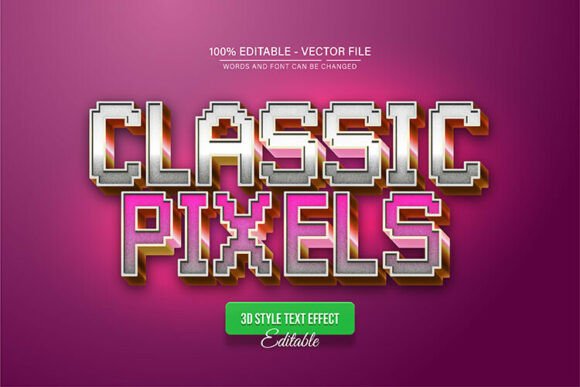
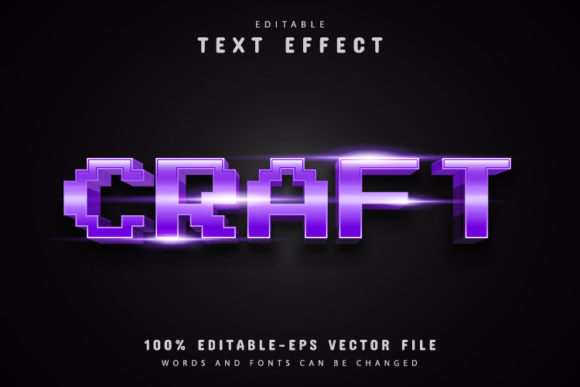
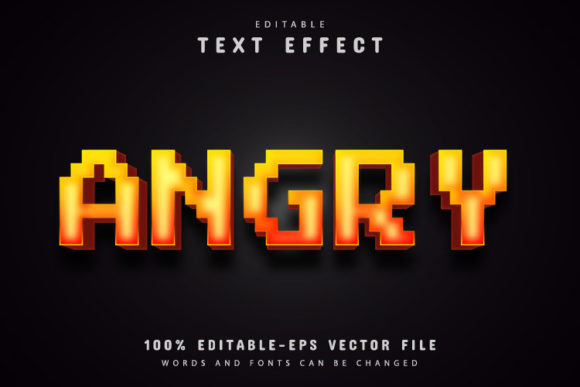
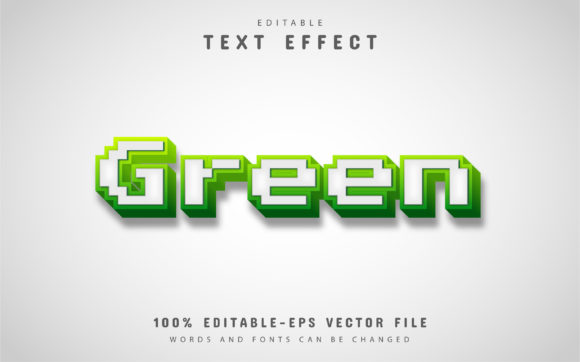
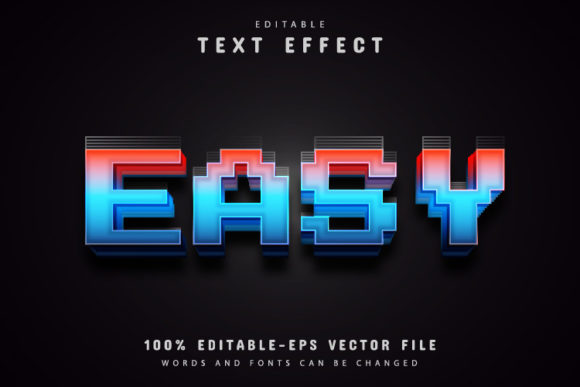
If you have ever spent time trying to create a pixel-style text effect from scratch, you already know how quickly that process can eat into your day. Between selecting the right font, aligning each pixel block, and making sure the final result stays crisp at different sizes, what should be a five-minute task can turn into an hour of frustration. That is where a resource like Easy Pixel Text Effect Editable changes the game. It is a fully editable vector design that gives you a ready-made pixel text effect without forcing you to build everything manually. You open the file, change the text, and move on.
But beyond the obvious time savings, what does that actually mean for someone who designs social media graphics, builds brand assets, or creates content on a regular basis? Let me walk through how this tool works in real situations, who benefits from it, and what you should think about before adding it to your workflow.
What Easy Pixel Text Effect Editable Actually Gives You
At its core, this is an Adobe Illustrator file that comes with a pixel-style text effect already built in. The text is fully editable, so you can type whatever you want without losing the effect. The design is vector-based, which means you can enlarge or reduce the size as much as you need, and the quality never drops. No blurry edges, no jagged lines, no resolution warnings.
The package includes EPS and JPG formats, plus information about free fonts you can use to match the style. The file is structured so that anyone, even with minimal Illustrator experience, can open it, press T on the keyboard, click the text, and make their changes. The description says no skill requirement, and that is realistic for anyone who has spent even ten minutes in Illustrator before.
Where People Actually Use This Kind of Text Effect
Pixel text effects have a specific visual language. They evoke retro video games, early digital interfaces, and a playful, nostalgic aesthetic. That look is not for every project, but when it fits, it fits well. Here are some of the most common places where this effect shows up in real work.
Social Media Content and Thumbnails
Creators who post regularly on YouTube, Instagram, or TikTok know that standing out in a crowded feed often comes down to bold, recognizable text. A pixel effect can give a thumbnail or post a distinct retro feel that stops someone from scrolling. Instead of spending time manually pixelating each letter, you drop the text into the template, adjust the color, and export. The unlimited color variations in AI mean you can match the effect to your brand palette without starting over.
Merchandise and Apparel Design
Small business owners and entrepreneurs who sell T-shirts, hoodies, or stickers often look for text styles that feel unique but do not require custom illustration work. A pixel text effect can work well for gaming-themed merch, retro-style apparel, or event branding. Because the file is vector, you can resize it for a small sticker or a large print without losing sharpness. That matters when you are ordering samples and need to test different placements.
Event Flyers and Promotional Materials
Whether you are promoting a LAN party, a retro gaming tournament, a tech meetup, or a creative workshop, the visual style of your flyer sets the tone. Pixel text can signal fun, nostalgia, and a hands-on vibe. Instead of hiring a designer to create a custom text effect, you handle it yourself in a few minutes. For educators and hobbyists organizing small events, that is a real cost and time saver.
Presentation Headings and Lesson Materials
Teachers and trainers who use slides to present content sometimes want headings that catch attention without being distracting. A pixel effect can work well for a lesson on digital history, game design, or creative technology. It gives students a visual cue that the content ties back to a digital or retro theme. And because the text remains fully editable, you can update the slides each semester without rebuilding the graphic.
Digital Products and Printables
Freelancers and publishers who sell digital assets, planners, or printables often include text effects as part of the product. A pixel text effect can be used for titles, section headers, or decorative elements. Since the design is vector, it integrates neatly into other files without causing compatibility issues. For someone who builds and sells templates on marketplaces, having a ready-to-use effect like this means faster turnaround times and more consistent output.
Who Benefits Most and Why
The obvious answer is that anyone who uses Adobe Illustrator can benefit. But let me be more specific about the people who get the most out of a resource like this.
Freelance graphic designers often juggle multiple projects with tight deadlines. When a client asks for something with a retro gaming feel, having a pixel text effect ready to go saves billable hours. Instead of designing the effect from scratch, you customize the template and deliver faster. That is good for your schedule and good for your client relationship.
Small business owners and entrepreneurs rarely have a dedicated design team. You are handling product photos, social posts, and packaging all on your own. A tool that simplifies one part of that workload is valuable because it frees you up for everything else. You do not need to learn advanced vector techniques to get a polished result.
Content creators and marketers who publish frequently need consistency across their visuals. If you decide that a pixel aesthetic fits your channel or brand, you want every piece of text to match. With unlimited color variations and easy text editing, you can maintain that look across dozens of posts without repeating the setup work.
Educators and trainers often have to produce materials on their own time. A lesson on digital art, game design, or even internet history can benefit from visuals that match the topic. Instead of searching for clip art or free fonts that might not render correctly, you use a vector template that works reliably every time.
Hobbyists and DIY creators might just want to make a cool poster for a personal project or a gift. You do not need a full Adobe suite mastery to get a good result. You open the file, change the text, and print it. That simplicity matters when design is not your day job.
What to Consider Before Using the Template
No tool is perfect for every situation, and it helps to go in with realistic expectations. Here are a few things to think about before you download and use Easy Pixel Text Effect Editable.
You Need Adobe Illustrator
This is not a web-based tool or a Photoshop file. You need Illustrator CS or higher to edit the text and change colors. If you work primarily in other software, you might need to adjust your workflow or convert the file. The package includes EPS and JPG, which are more widely compatible, but the full editing experience lives in Illustrator.
Pixel Style Is Not Universal
This effect has a strong visual identity. It works great for gaming, retro, tech, or playful projects. But if your brand or content leans toward sleek, minimal, or corporate, this style might feel out of place. Think about where and how you plan to use it before committing to the look.
Font Compatibility Matters
The template includes free font information, which is helpful, but you may need to install those fonts on your system to match the original design exactly. If you swap in a different font, the pixel effect might not align the same way. Test a few options before you finalize the design.
Color Variation Is Powerful but Requires Intent
Unlimited color editing sounds great, and it is, but choosing colors that work for your context is still your responsibility. A bright neon palette might pop on a gaming thumbnail but look overwhelming on a printed flyer. Take a minute to test your color choices at the size and medium you plan to use.
Resizing Needs a Checkpoint
Because the file is vector, you can theoretically make it as large or small as you want. In practice, very small sizes might make the pixel details hard to read, and very large sizes might exaggerate the blockiness more than you expect. Preview at your target size before you commit to the final layout.
How Different Users Might Approach the Same File
Let me give you three realistic scenarios that show how the same template can serve different needs.
Scenario one: A freelance designer lands a client who runs a retro arcade bar. The client needs a flyer for an upcoming tournament. The designer opens the template, changes the text to the tournament name, adjusts the colors to match the bar's neon signage, and exports a high-resolution file. Total time spent on the text effect is under ten minutes.
Scenario two: A small business owner sells custom gaming accessories on Etsy. They want to create a banner for their shop that says "Pixel Perfect Accessories." They open the file, type the phrase, choose colors that match their existing branding, and save the banner. No design background needed. They update the banner seasonally by changing colors or text with the same template.
Scenario three: A high school teacher is preparing a unit on the history of digital graphics. They create a slide header that reads "The Pixel Era" using the template. The visual hook helps students connect the lesson to the aesthetic of early video games. The teacher can reuse the template for other unit titles throughout the semester.
Why Vector Still Matters in a World of Raster Graphics
One of the strongest features of Easy Pixel Text Effect Editable is that it remains vector-based. That means the text effect is made of paths, not pixels. When you scale it, the software recalculates the paths instead of stretching a fixed grid of pixels. This is especially important if you plan to use the design in multiple formats. You might start with a small web graphic and later want a large poster. With a raster file, that would mean recreating the work. With a vector file, you simply resize and export again.
For anyone who produces content across different platforms, this flexibility is a practical advantage that saves time and preserves quality.
Making the Most of the Download Content
The package includes JPG files for quick previews, EPS files for broader compatibility, and font information so you can replicate the intended look. If you are working with a team that does not all have Illustrator, the EPS format can be opened in many vector editing programs, though some editing features may be limited. The JPG files are useful for quick mockups or sharing drafts with clients before the final version is ready.
When you download, take a moment to organize the files in a way that makes sense for your workflow. Keep the original unedited file as a master copy. That way, if you want to start a new project, you always have a clean template to work from.
Final Thoughts Before You Start
Easy Pixel Text Effect Editable is a focused tool for a specific look. It is not trying to be a all-in-one design suite or a replacement for learning typography. What it does is give you a reliable, high-quality pixel text effect that you can edit, resize, and recolor without technical headaches. For creators, entrepreneurs, educators, and anyone who needs to produce visuals regularly, that is a genuinely useful resource.
If the pixel aesthetic fits your project, this template saves you time, removes guesswork, and delivers consistent results. If it does not fit, you have a clear understanding of why. Either way, knowing what tools are available and how they actually behave in real work helps you make smarter decisions about where to invest your time and attention.