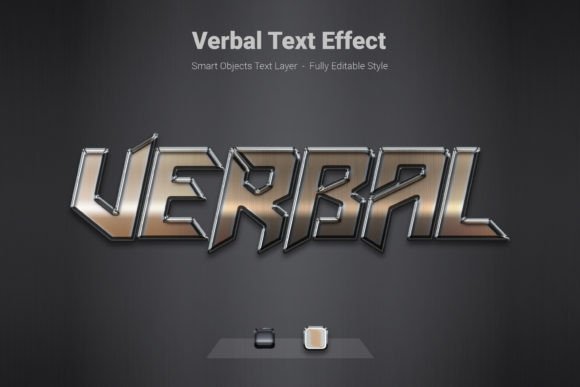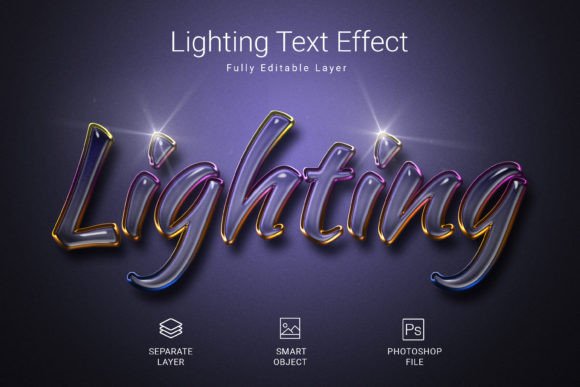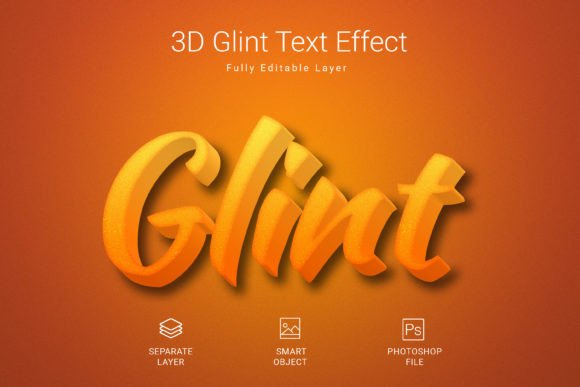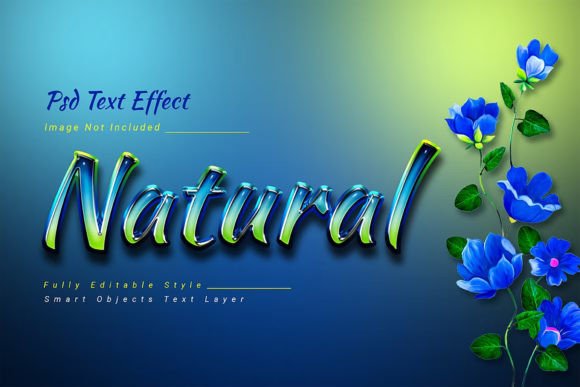
Fantasy Psd Text Style Effect Mockup: Elevate Your Typography with One Click
Typography can make or break a design. Whether you are crafting a logo, a social media graphic, or a brand identity, the way your text looks matters more than most people realize. A simple font, no matter how elegant, often lacks the depth and character needed to capture attention. That is where the Fantasy Psd Text Style Effect Mockup steps in. This resource gives you a fast, straightforward path to applying a high-quality, stylized look to your text without spending hours tweaking layer styles. Instead of wrestling with complex settings, you can drop your text into a smart object and let the effect do the heavy lifting.
Why Bother with a Text Style Effect?
Many designers, marketers, and content creators face a common challenge: they need their text to stand out, but they do not have the time or technical expertise to build a polished effect from scratch. Creating a fantasy-inspired text style from zero requires knowledge of gradients, bevel and emboss settings, pattern overlays, drop shadows, and lighting tricks. Even experienced designers can spend an hour or more perfecting a single text effect. The Fantasy Psd Text Style Effect Mockup eliminates that grind. You get a ready-made, professional-grade result in seconds.
But the real problem is not just time. It is consistency. When you work on multiple projects, you want your text effects to look cohesive. If you are building a fantasy-themed game interface, a book cover, or a poster for an event, the typography needs to match the mood. Using a dedicated mockup ensures every piece of text carries the same magical, immersive aesthetic. You avoid the trial‑and‑error of adjusting settings and hoping they look right.
What Exactly Is the Fantasy Psd Text Style Effect Mockup?
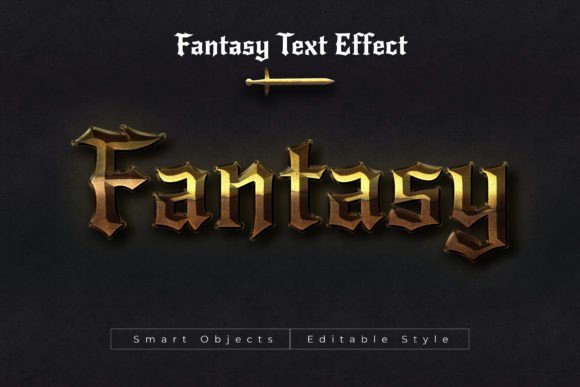
At its core, this resource is a layered PSD file designed to apply a fantasy-style effect to any text. It comes with a pre-built layer structure that includes all the visual treatments typically associated with fantasy design: glowing highlights, rich metallic or gem-like colors, deep shadows, and ornate texture. The file is sized at 3000×2000 pixels at 300 DPI in RGB color mode, which means it works beautifully for both screen and print projects. It is fully editable, and it uses a free font so you do not have to purchase an expensive typeface to get started.
The process is simple: you open the PSD, locate the smart object layer, double-click it, paste your text or shape, save, and the effect applies automatically. That is it. The same method works for simple text, complex shapes, and even vector logos. You are not locked into a single use case. Whether you need a headline for a fantasy novel cover, a title for a YouTube channel, or a logo for a gaming clan, this mockup adapts.
Who Benefits Most from This Type of Resource?
Different people approach typography differently, and this mockup serves a wide range of users. Here are a few examples of how various audiences can put it to work.
Graphic Designers Seeking Speed
If you juggle multiple client projects, you know that every minute counts. A client needs a fantasy-themed poster, and they need it by the end of the day. Instead of building a custom text effect, you open the Fantasy Psd Text Style Effect Mockup, paste the client’s text, and deliver a polished result. You can then fine-tune the color or add minor adjustments, but the heavy lifting is already done. This lets you take on more work without sacrificing quality.
Content Creators and Streamers
YouTubers, Twitch streamers, and social media influencers often need eye-catching text for thumbnails, banners, and overlays. The fantasy style fits gaming channels, roleplaying content, and fantasy book reviews perfectly. With the Fantasy Psd Text Style Effect Mockup, you can produce consistent, branded typography across all your visuals without learning advanced Photoshop techniques. It gives your channel a polished, cohesive look that helps you stand out.
Small Business Owners and Entrepreneurs
If you run a business in the fantasy niche—like a themed escape room, a medieval fair vendor, or a fantasy art shop—you need visuals that match your brand. The mockup allows you to create professional signage, product labels, and promotional materials without hiring a designer. You can make adjustments yourself and keep your brand looking fresh.
Hobbyists and DIY Designers
Not everyone is a professional designer, but that should not stop you from making great-looking text. If you are designing a birthday card, a custom T‑shirt, or a party invitation with a fantasy theme, this mockup lowers the barrier. You do not need to understand layer styles or blending modes. You just need to edit a smart object, and the effect takes care of the rest.
Practical Applications and Real Outcomes
Let’s move beyond theory and look at how this text effect works in real-world scenarios. Imagine you are designing a book cover for a fantasy novel. You have the title, the author name, and maybe a subtitle. By applying the Fantasy Psd Text Style Effect Mockup to your title, you instantly give it a mystical, enchanted appearance. The 300 DPI resolution ensures that when you print the cover at full size, the text remains crisp. The RGB color mode also means it looks vibrant on screens for digital editions.
Now picture a scenario where you need a logo for a fantasy sports league. You might want to incorporate a dragon, a sword, or a shield shape along with your text. The mockup works on vector logos and shapes, not just type. So you can import your vector artwork, apply the same fantasy effect, and maintain a unified visual language across your brand. The consistency between text and graphics makes your logo look intentional and professional.
Another common use is for event posters. Suppose you are promoting a fantasy-themed costume party or a live-action roleplaying event. You want headlines that pop and draw people in. With the Fantasy Psd Text Style Effect Mockup, you can create multiple poster variations quickly, testing different taglines or event names without rebuilding the effect each time. The editable PSD file lets you experiment freely.
Key Features That Make a Difference
When evaluating any PSD text effect, it helps to understand what you are actually getting. The Fantasy Psd Text Style Effect Mockup offers a set of attributes that directly affect your workflow and final output.
- High-quality PSD file – The file is carefully layered and organized, making it easy to navigate even if you are not a Photoshop expert.
- Size 3000×2000 pixels – This is a generous canvas that accommodates large text, multi-line copy, or wide layouts. You are not cramped.
- PSD file format – Native Photoshop format ensures that all layer styles, smart objects, and adjustments remain editable.
- RGB color mode – Ideal for digital use, web graphics, and screen-based projects. If you need to print, you can convert to CMYK afterward.
- 300 DPI resolution – Print-ready quality. Your text will look sharp on paper as well as on screen.
- Fully editable – Change the text, colors, shadows, and overlays. You are not stuck with a flattened image.
- Free font used – You can match the intended style without an extra purchase. The font is available to download legally.
These features combine to make the mockup both flexible and reliable. Whether you are outputting for Instagram or a printed banner, you have the resolution and color space you need.
Recommendations for Getting the Best Results
To make the most out of the Fantasy Psd Text Style Effect Mockup, consider a few practical tips. First, always work with a copy of the original PSD file. Keep the untouched version as a backup. That way, if you experiment with effects and want to revert, you can start fresh. Second, choose a font that complements the fantasy aesthetic. Even though the mockup includes a free font, you can substitute your own if you prefer a specific look. Serif fonts, decorative fonts, and medieval-inspired typefaces work particularly well.
Third, think about color. The effect includes a default color scheme, but because the file is fully editable, you can shift the hues to fit your brand. For example, if your project uses a lot of green and gold, adjust the gradient or overlay layers accordingly. Small tweaks can make the effect feel custom-made for your project. Fourth, test the effect on different background colors. The fantasy style often includes glowing elements, so a dark background can make the text pop even more. Try a deep navy, charcoal, or midnight purple behind your text for maximum impact.
Finally, do not limit yourself to text. As noted, the mockup works on shapes and vector logos. You can apply the same effect to icons, decorative elements, or even entire illustrations if you split them into smart objects. This means you can create a cohesive set of assets—headlines, subheadings, logos, and badges—all with the same fantasy treatment.
How Different Users Might Approach the Mockup
Every user brings a different level of experience and a different set of goals. A professional designer might dive into the layer stack and customize every shadow and highlight. They might change the blending modes, add noise, or incorporate additional textures. For them, the mockup serves as a starting point rather than a final product. They appreciate the time saved but still want room for creative control.
On the other hand, a beginner might never open the layer styles panel at all. They just need text that looks good, and they trust the default settings. For them, the Fantasy Psd Text Style Effect Mockup is a plug-and-play tool. They can produce a professional result on their first try without any learning curve. Both approaches are valid, and the resource supports both equally well.
A content creator might use the mockup repeatedly for different pieces of content, building a recognizable visual style across their channel or brand. They might save a few variations of the PSD file with different colors or font choices so they can rotate looks without rebuilding. A small business owner might use it once to create a logo and a few marketing pieces, then set it aside. The point is that the mockup adapts to the user, not the other way around.
Final Thoughts on Using This Text Effect
Typography is a powerful tool, but it does not have to be a difficult one. The Fantasy Psd Text Style Effect Mockup removes the friction from creating professional, fantasy-inspired text. It saves you time, ensures consistency, and delivers results that look anything but generic. Whether you are a seasoned designer or someone just starting out, this resource gives you a reliable way to make your text memorable. The key is to treat it as a flexible foundation—edit the smart object, adjust the colors, pair it with the right background, and you will have a design that feels both magical and polished.
If you have been putting off a project because you did not know how to make your text look the part, this mockup is your shortcut. Open the file, drop in your content, and watch your typography transform. It is a small effort that yields a big visual payoff.