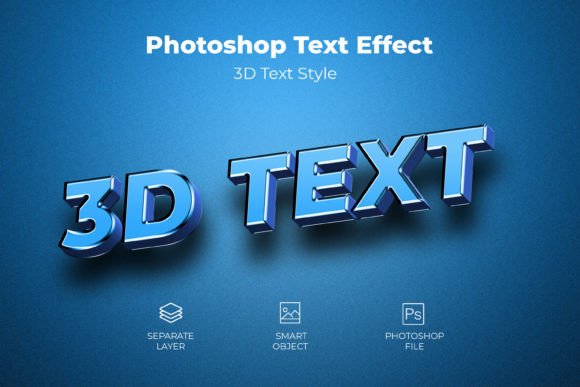
3D PSD Text Style Effect Mockup – A Practical Overview
If you have ever spent hours trying to make text pop in a design, you know the struggle. Layering effects, adjusting lighting, and tweaking shadows can quickly eat into your creative time. That is where a 3D PSD Text Style Effect Mockup becomes genuinely useful. Instead of building depth from scratch, you get a ready-made system that delivers a polished, dimensional look with minimal effort. This article walks through what this type of mockup offers, why it matters for different kinds of work, and how you can put it to real use without unnecessary complexity.
What a 3D PSD Text Style Effect Mockup Actually Does
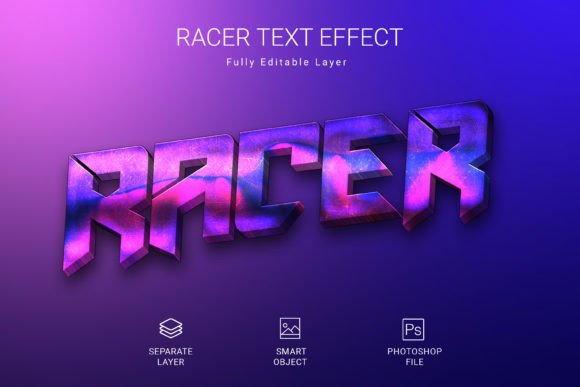
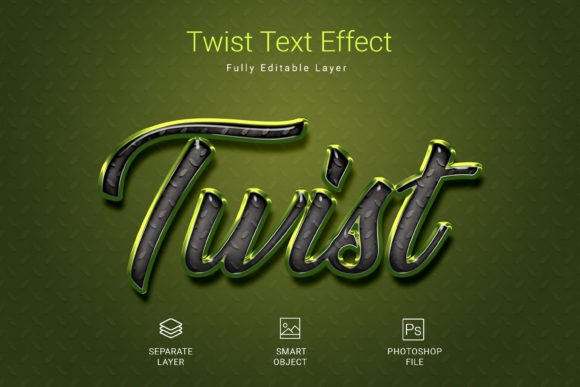
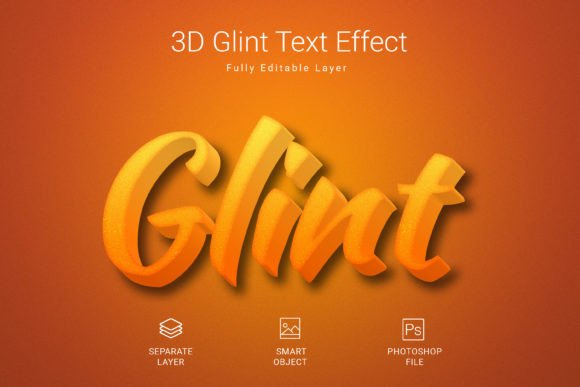
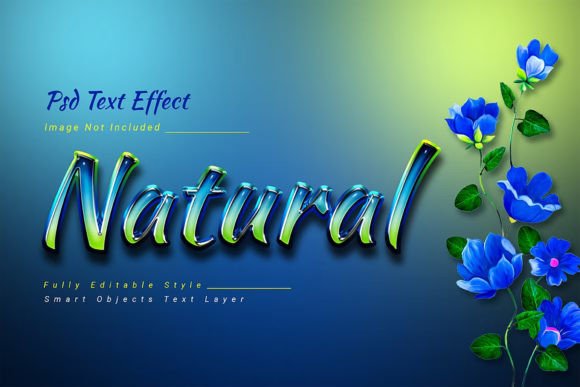
At its core, a 3D PSD text effect mockup is a layered Photoshop file designed to apply a realistic three-dimensional appearance to text, shapes, or vector logos. The file comes pre-configured with lighting, beveling, shading, and texture, so you do not need to build those elements manually. You simply insert your content into a smart object, save the changes, and the effect applies automatically. This approach is particularly valuable when you need consistent, high-quality results across multiple projects or revisions.
The specific mockup described here offers a 3000×2000 pixel canvas at 300 DPI in RGB color mode. Those specs matter. The resolution ensures your output looks sharp on screen and in print, while the color mode keeps flexibility for digital publishing and web use. The file is fully editable, meaning you can tweak colors, adjust layer styles, or swap out textures to match your brand or creative direction. And because a free font is included, you can start working immediately without hunting down additional resources.
Key Characteristics That Make It Stand Out
Not all mockups are built the same, and this one has a few traits worth noting.
Smart Object Workflow
The entire effect revolves around smart objects. You double-click the layer, paste your text or logo, save, and the mockup updates. That eliminates the need to manually align layers or reapply effects each time you change content. For anyone producing variations of a design—different client names, product labels, or social media headers—this workflow is a serious time saver.
Vector and Shape Compatibility
Many text effects only work with text layers. This mockup also handles shapes and vector logos, which broadens its usefulness. If you need to apply a 3D look to a brand mark, an icon set, or custom typography created from shapes, you can do it within the same file. That kind of flexibility is rare in pre-made effects.
300 DPI and RGB Color Mode
The 300 DPI resolution is standard for professional print work, but it also gives you crisp results for digital use. RGB color mode means the file is optimized for screens, which is where most modern design work ends up. If you need to convert to CMYK later, the resolution holds up well.
Fully Editable Layers
You are not stuck with the default look. Layer styles, gradients, and shadows are all adjustable. If the default lighting feels too dramatic for your project, you can tone it down. If you want a metallic finish instead of a matte one, you can tweak the settings. This level of control matters when you need to match an existing brand identity or creative direction.
Where This Mockup Fits in Real Work
I have seen these effects used across a surprisingly wide range of contexts. Here are some of the most practical ones.
Branding and Logo Presentations
When presenting logo concepts to clients, a flat vector file does not always convey the full vision. Applying a 3D PSD text style effect mockup can give the logo a sense of weight and materiality that helps clients imagine it in real-world applications like signage, packaging, or digital ads. It elevates the presentation without requiring you to build a full brand mockup from scratch.
Social Media Graphics and Headers
Social media feeds are crowded. Dimensional text can help your headlines, quote cards, or promotional banners stand out. The 3000×2000 pixel canvas is large enough to produce high-quality images for Facebook covers, YouTube thumbnails, or Instagram carousels. You can create a consistent look across multiple platforms by saving different versions of the same effect with different text.
Product Packaging and Labels
If you design packaging, you know that the typography on a bottle or box often needs to feel tactile. A 3D effect can simulate embossing, debossing, or foil stamping, giving you a realistic preview before production. You can place the text on a product shot and see how light interacts with the surface, which helps in making design decisions early in the process.
Educational Materials and Course Graphics
Educators and course creators often need clear, engaging visuals that highlight key terms or concepts. A 3D text effect can make section titles, definitions, or callout boxes more memorable. The smart object workflow means you can update course materials quickly as the curriculum evolves, without redesigning each graphic from the ground up.
Freelance and Client Projects
Freelancers juggle multiple projects with tight deadlines. Having a reliable 3D PSD text style effect mockup in your toolkit reduces the time spent on repetitive styling. You can focus on the layout, composition, and messaging while the effect handles the visual depth. For recurring clients, you can build a library of variations that maintain a consistent look across campaigns.
Benefits That Go Beyond the Visual
It is easy to focus on the aesthetic appeal of a 3D text effect, but the practical benefits are just as important.
Usability and Efficiency
The smart object system is the biggest win here. Instead of manually applying layer styles, adjusting bevel settings, and tweaking lighting for every new piece of text, you do it once. The rest is just swapping content. For someone producing multiple graphics per week, that efficiency adds up quickly.
Consistency Across Deliverables
When you apply the same effect to different pieces of content, the lighting, depth, and texture stay consistent. That matters for brand identity. If your social media posts, website headers, and email graphics all share the same dimensional treatment, they feel cohesive even if the content changes.
Reduced Learning Curve
Not every designer has advanced knowledge of 3D rendering or Photoshop's layer style engine. This mockup lowers the barrier. If you can open a PSD file and use smart objects, you can produce professional 3D text. That is helpful for small business owners, entrepreneurs, or hobbyists who need good results without spending weeks learning new software skills.
Improved Communication
In client-facing work, a 3D effect can communicate a mood or material quality that flat text cannot. If you are proposing a metallic finish for a luxury brand, showing the actual effect in context is more persuasive than describing it. The mockup becomes a communication tool, not just a design asset.
Practical Considerations When Using the Mockup
Even good tools work better when you use them thoughtfully. Here are a few things to keep in mind.
Font Selection Matters
The effect includes a free font, but that does not mean you should stop there. Consider the personality of the font you choose. A heavy sans-serif will produce very different depth results than a thin script. Experiment with different typefaces to see how the 3D effect interacts with the letterforms. Some fonts will pop more than others.
Lighting and Shadow Adjustments
The default lighting may not work perfectly for every background or use case. If you place the text on a dark background, the shadows might get lost. If the background is very bright, the highlights could wash out. Take a few minutes to adjust the layer styles—particularly the bevel, shadow, and contour settings—to match your specific composition.
Color Coordination
Because the file uses RGB color mode, you have access to a wide color gamut. But if you are designing for print, remember that RGB colors do not always translate exactly to CMYK. If print output is your end goal, test the conversion early in the process to avoid surprises.
Resolution and Scaling
The 3000×2000 pixel canvas is generous, but if you need to scale the text significantly larger than the original layout, the effect may start to show pixelation or softening. Try to keep your text within a reasonable proportion of the canvas to maintain crispness. If you need extreme close-ups, consider creating a custom version of the effect at a higher scale.
Backup Your Original
Since the file is fully editable, it is easy to accidentally overwrite layer styles or delete smart object contents. Keep a clean copy of the original mockup file so you can always start fresh. That is a simple habit that saves headaches later.
Final Thoughts on Using a 3D PSD Text Style Effect Mockup
What makes this style of mockup valuable is not just the visual result, but the workflow it enables. You get a high-quality, dimensional text effect without the usual overhead of manual styling. The 300 DPI resolution, RGB color mode, and fully editable layers give you professional-grade output that works across digital and print contexts. The smart object system lets you produce variations quickly, which is a real advantage when you are working under deadline pressure or managing multiple projects.
For designers, marketers, educators, and entrepreneurs who regularly need to make text stand out, having a reliable 3D PSD text style effect mockup in your toolkit simplifies one of the more time-consuming parts of the design process. It does not replace creative judgment, but it removes the busywork. And in a field where time is often as valuable as talent, that trade-off is worth making.
If you decide to try it, take a few minutes to explore the layer structure and understand how the effect is built. That knowledge will help you customize it more effectively and adapt it to projects that go beyond simple text. The mockup is a tool, but with a little experimentation, it can become a core part of your design workflow.